
Backlinks do not stay put. Publishers update articles, delete pages, change links to nofollow, or move their site. If you paid for a link or worked hard to earn it, you want to know when that happens.
Backlink monitoring means checking your links on a schedule, so you catch problems early and can fix them.
Key takeaways
- Links get removed, nofollowed, or redirected over time
- Check that each link is live, dofollow, and on an indexed page
- Check paid and high-value links at least monthly
- Search Console is free but sampled and has no alerts
- Ask the publisher first when a link disappears
Why backlinks disappear
- The article was updated and your link was cut.
- The page was deleted or moved without a redirect.
- A
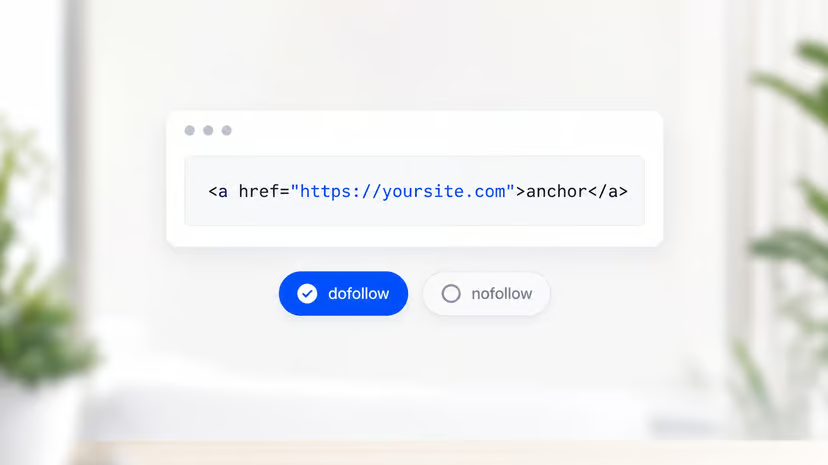
nofolloworsponsoredattribute was added to outbound links. - The page was set to
noindex, so it no longer counts. - The site was sold or shut down.
- Your page changed. If your target URL now redirects or returns a 404, the link loses value.
What to check for each backlink
| Check | Why it matters |
|---|---|
| The link is still on the page | Removed links pass nothing |
| The link points to the right URL | Typos and old URLs waste the link |
No nofollow, sponsored, or ugc | These usually stop ranking credit |
| The page returns 200 | A 404 or redirect can lose the link |
| The page is indexed | A noindexed page does not count |
| The anchor text is unchanged | Edits can change the context |
See dofollow backlinks for how each rel value works.
Tools for monitoring backlinks
- Google Search Console: the Links report shows your top linking sites and pages. It is free, but the data is sampled and it does not alert you when a link is lost.
- Ahrefs: the New and Lost backlinks reports plus email alerts.
- Semrush: the Backlink Analytics and Backlink Audit tools, with lost link tracking.
- A spreadsheet and a crawler: for a short list of important links, a monthly check of each URL works fine.
To track links a competitor gains, use our competitor backlink checker. Their new links are often your next outreach targets.
How often to check
- Paid or high-value links: monthly.
- New links: a week after they go live, then monthly for the first year.
- Your whole profile: a full review each quarter. Our guide to your backlink profile covers what to look for.
What to do when a link is lost
- Confirm it. Load the page yourself. Tools sometimes report false losses when a page is slow or blocked.
- Check your side. Make sure your target page still loads and did not change URL.
- Contact the publisher. Ask politely whether the link was removed on purpose. Many are edits by mistake.
- Use your replacement terms. If you paid for the link, ask the seller about their replacement policy.
- Reclaim broken links. If your own URL changed, add a 301 redirect so old links still work.
Monitoring included with LinkDR
Every link LinkDR places is checked after placement for being live and dofollow, and each live link shows in your project. If a publisher removes your link within 12 months, we replace it at no cost.