
A niche edit is a link added to an article that is already published. Instead of writing a new guest post, the publisher edits an existing page and adds a sentence or a link that points to your site. You will also see it called a link insertion or a curated link.
- A niche edit adds your link to an existing article
- The page is already indexed and may already rank
- It often costs less than a new guest post on the same site
- The page must be relevant and still get traffic
- Avoid sellers who edit dozens of old posts on unrelated topics
How niche edits work
- Find a relevant article on another site that already covers your topic.
- Ask the publisher to add a link to your page where it helps the reader.
- The publisher edits the article. Sometimes they add a sentence, sometimes only the link.
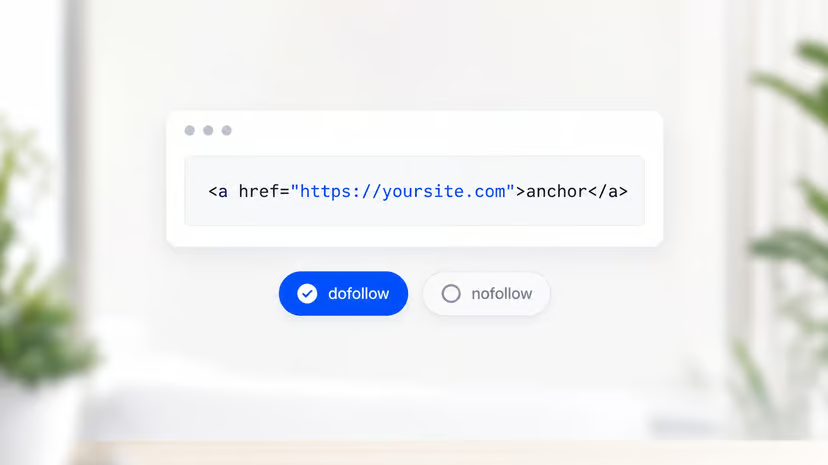
- Check the link is live, in the body text, and without a
nofollowattribute.
Niche edits vs guest posts
| Niche edit | Guest post | |
|---|---|---|
| Page | Existing article | New article |
| Indexed | Already | After publication |
| Existing links to the page | Often yes | No |
| Content written | A sentence or none | A full article |
| Typical cost | Lower | Higher |
| Control over context | Low | High |
Why people use niche edits
- The page is already indexed. Google does not need to discover a new URL.
- The page may already rank and get traffic, so the link can send visitors from day one.
- The page may have its own backlinks, which strengthens the link it passes.
- Faster turnaround. No article to write, review, and schedule.
The risks
- Poor fit. A link squeezed into an unrelated paragraph looks unnatural to readers and to Google.
- Stale pages. An old post with no traffic passes little value.
- Crowded pages. Articles stuffed with outbound links dilute each one.
- Bulk sellers. Some vendors sell edits on the same sites to every buyer, on every topic. That is a link scheme.
What to check before you buy a niche edit
- Organic traffic to the page itself, not only to the domain.
- Topic fit: the article should be about something close to your page.
- Outbound links: fewer than about 20 on the page is a healthy sign.
- Index status: search
site:plus the URL to confirm Google has it. - Placement: the link should sit in the body text, near related words.
- Link attribute: no
nofollow,sponsored, orugcif you want ranking credit. See dofollow backlinks.
How much do niche edits cost?
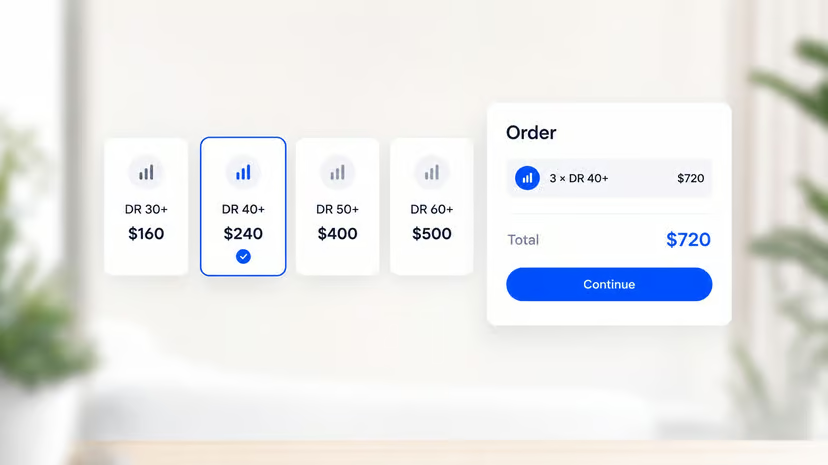
Prices follow the same drivers as other links: the site's Domain Rating, its traffic, and your niche. Because no article is written, a niche edit often costs less than a new guest post on the same site. For full price ranges, see how much backlinks cost.
When to choose a niche edit
- The publisher has an article that already covers your topic well.
- That article gets organic traffic.
- Your page adds something the article is missing: data, a tool, or a deeper guide.
If there is no good existing page, a new article written for the site is the better choice.
How LinkDR handles it
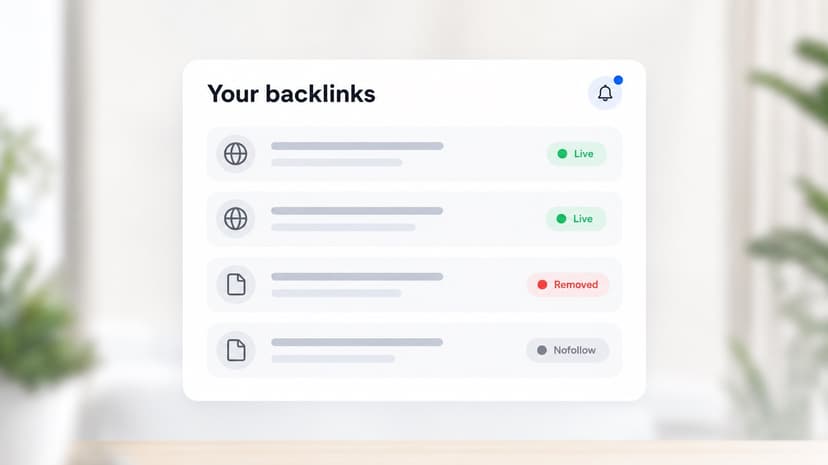
We pitch relevant publishers for a new article by default. When a publisher prefers to add the link to an existing article, we check that page first: topic, traffic, and where the link would sit. Either way, you pay the same per-link price, and we check that the link is live and dofollow after placement.